
Oracle’s new certification exam engine

When I took the Java 21 certification, Oracle was essentially using Zoom to proctor the exam. Today I took the Oracle AI Vector Search Professional certification so I could see the new exam engine. It’s much better! (separate blog post on the actual vector search exam)

Requirements/testing the software

Oracle has a page that summarizes requirements. The exam now uses a browser plugin named Proctorio. You download the plugin right before the exam and remove it right after. IF you do a the exam readiness check, you still install the plugin after that and install a fresh copy before the real exam.

The plugin ensures you close the necessary programs on your machine. Like other browsers. Oddly it was fine with me having Slack and a few other things open. It also prompted me to unplug my second monitor.

Then it has you take a picture of yourself (actually 3-5 of them) and scan your id. The tool didn’t pick up on my id when I was holding it automatically so I had to press a button for that picture to be saved. And yes one id. There was one place that said two ids, but they only checked one. (And the exam page says one id)

The plugin lists the following information

What’s recorded during the exam

  • websites visited
  • location
  • identity document

What’s restricted during the exam

  • one monitor
  • full-screen mode
  • no new tabs
  • no clipboard
  • no printing
  • no downloads
  • no right-clicking

During the exam

The exam readiness practice was a good representation of what you saw. Very important is to click to open the right navigation with extra options. It included a calculator (available, but not needed for this exam) along with a digital exam. There were also options to zoom in or out which would be super useful on the Java cert exam since some of the questions are very long. And of course the usual functionality to flag questions for review.

On the real exam, there was also an option to report feedback on questions to Oracle. There was also a small video of your video in record mode, and a chat with proctor button. There as also an 80% battery indicator. I was at 100% so not sure what that referenced.

More on the whiteboard since that was the most important thing for me. You can use your cursor to draw on it. Or you can click the “T” button and then click where you want to be on the whiteboard and type. You have to do this each time you want to type. There’s a delete button but it deletes the whole whiteboard contents. There isn’t an eraser to erase just part. You can leave the whiteboard open or close it between questions. It remembers what is written on the whiteboard when you close it. Also, you can’t scroll to add more space so think about how you are using the space.
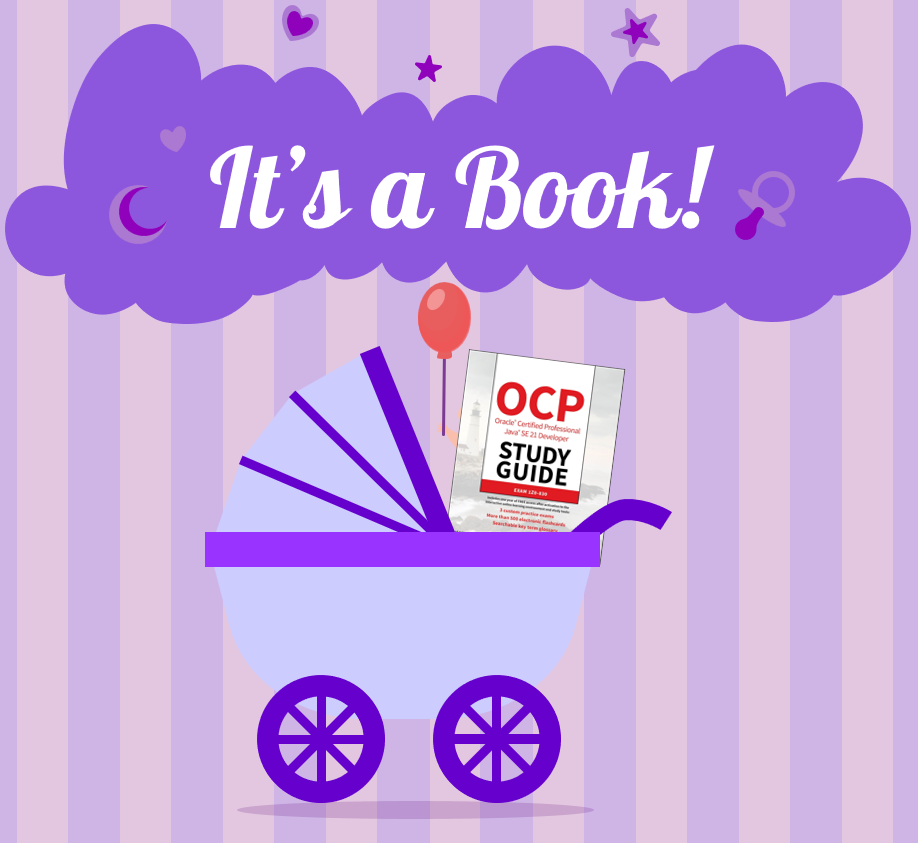
Happy Book Birthday! New OCP 21 Book Now Shipping!

It's a Book!

Jeanne and I are excited to announce our new Java OCP 21 Certified Professional Study Guide is now shipping! Released by Wiley Publishing, this book teaches you all the new (and old) features of Java 21, and helps prepare those planning to take the 1Z0-830 Java 21 Certification Exam.

Are you worried your Java skills are getting outdated? Are you writing code with the same toolset you’ve been using since Java 11, Java 8, or even Java 1.4? This book is definitely for you then! It starts with the basics, incorporating all of the new languages features like pattern matching, text blocks, var, and switch expressions. After that, we add records, sealed classes, virtual threads, sequenced collections, modules, and more. Finally, we cover lambdas and streams, helping you write shorter code and easier-or-read functional code without a lot of boilerplate syntax.

Whether your fresh out of school or have been programming Java professional for over a decade, our book helps you understand how to use all of the features of Java 21. We cover each topic in detail, from the basics to advanced usage, to help you write better Java code in your daily life.

For those looking to become Java 21 certified, look no further. Our book contains 14 chapters of everything you need to prepare for the exam, including exam tips, study suggestions, and hundreds of challenging practice questions. It also includes access to Sybex’s Online Test Bank, where we’ve written 3 simulated 1Z0-830 practice tests and over 500 flashcards!

Order now for the holidays, as Amazon already has our book backordered until the second week of December!

sybex’s new test bank website

On November 14, 2024, switched to new test bank software. That means the mock exams and flashcards and the like are now on a new website.

If you are registering for the first time

Create an account

  1. Go to study.learning.wiley.com
  2. Click to create a new account

Register your book

  1. Click “Redeem Test Bank”
  2. Choose Sybex and the book you are using.
  3. Then answer a question about the book and you are in. The old PIN code system is no longer used

If you were already using the old site

  1. Go to study.learning.wiley.com
  2. Click to create a new account
  3. Login using your credentials from the old site

Note that any books you had registered that haven’t expired yet will appear. However, your progress/history on them will not.

Different than Real Exam

Be aware that the exam software is different than on the real exam. For example, the real exam lets you flag questions for later, navigate to specific questions, or end the exam from any question.